Top 5 Field Service Time Wasters That Are Hurting Your Bottom Line
.webp)

Key Takeaways
Time wasters are profit killers
From second truck rolls to green techs Googling for answers in the field, the most common field service inefficiencies are also the most preventable.
The fix is faster than you think
Workflow automation, remote support, and a connected knowledge base eliminate most field service time wasters without major operational change.
How to Eliminate the Top Time Wasters in Field Service
Whether a customer needs a repair on essential residential or commercial equipment, a scheduled preventative maintenance visit, or a new HVAC installation, time is always critical.
To deliver the highest level of service — and earn trust and repeat business — technicians must operate as efficiently and effectively as possible.
At XOi Technologies, the focus is on helping field service professionals understand and overcome the everyday complexities of on-site work.
While no two jobs are the same, there are common inefficiencies that repeatedly slow technicians down. Here are five of the most common time wasters in field service — and how workflow automation tools like XOi’s Vision app help eliminate them.
1. Manual Tasks and Data Entry
Manual processes remain one of the biggest time drains for technicians in the field.
Tasks such as:
- Entering equipment make, model, and serial numbers
- Writing job summaries
- Documenting scope of work
can significantly extend time on site.
How Automation Helps
Workflow automation and Optical Character Recognition (OCR) reduce or eliminate manual data entry by automatically capturing and organizing equipment data.
This allows technicians to complete documentation faster and focus more time on service delivery.
2. Searching for Support Materials on the Job
Newer technicians — often referred to as “greenhorns” — may not always have immediate answers in the field.
When stuck, many turn to Google or YouTube for help, which can lead to:
- Wasted time sorting through search results
- Unverified or inaccurate information
- Delays in completing the job
A Better Approach
Instead of relying on open web searches, technician enablement tools provide instant access to:
- Trusted documentation
- Field-proven workflows
- Historical job data
- Expert knowledge libraries
This puts verified information directly at a technician’s fingertips.
3. Calling for Help and Second Truck Rolls
Complex repairs often require additional support from senior technicians or office staff.
However, dispatching another technician — a “second truck roll” — can be expensive and time-consuming.
Reducing Second Truck Rolls
Live video support tools allow technicians to:
- Diagnose issues in real time
- Receive expert guidance instantly
- Resolve problems without additional site visits
This improves efficiency while reducing costs for both the business and the customer.
4. Inventory Issues and Supply Chain Delays
Supply chain disruptions and labor shortages have made parts availability and delivery timelines increasingly unpredictable.
With long lead times for materials, technicians may experience delays that slow down job completion.
Using Remote Diagnostics to Save Time
Remote video tools help teams:
- Inspect job sites before arrival
- Diagnose issues early
- Identify required parts in advance
- Order materials sooner
This proactive approach helps reduce downtime and prevent repeat visits.
5. Lack of Customer Understanding in Decision-Making
Most customers are not trained in HVAC, plumbing, or mechanical systems, which can slow down decision-making — especially for high-cost repairs or replacements.
Without clear communication, customers may hesitate or delay approvals.
The Power of Visual Proof
Modern customers expect transparency and visual evidence to support recommendations.
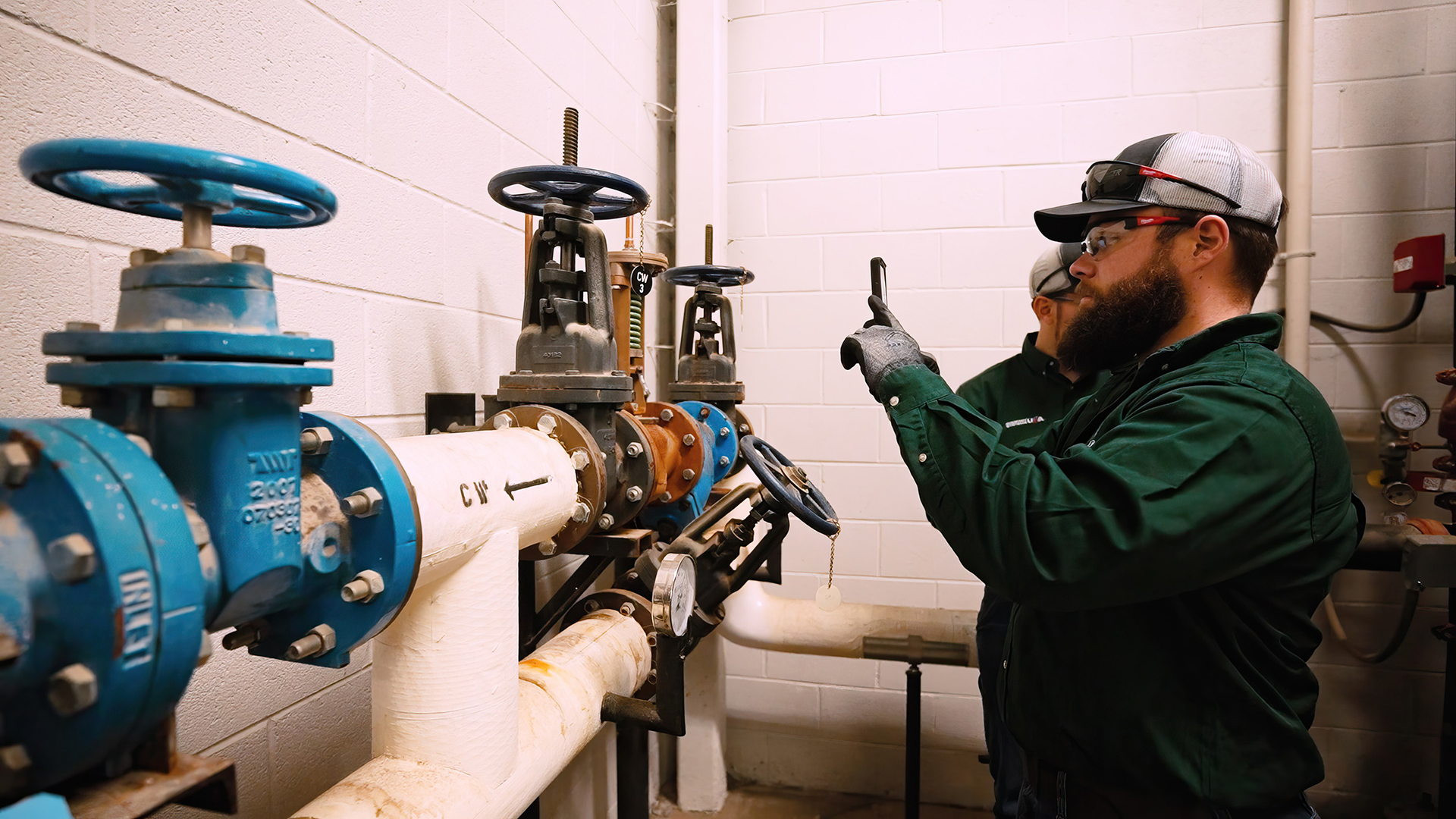
Providing photos and videos of:
- Equipment damage
- System inefficiencies
- Leaks or failures
- Worn components
helps customers understand the issue more clearly and make faster, more confident decisions.
This transparency builds trust and helps accelerate approvals for necessary work.
Turning Time Savings Into Better Service
These common inefficiencies can cost field service teams valuable time and revenue.
By using tools like XOi Technologies Vision, technicians can streamline workflows, improve communication, and eliminate unnecessary delays on the job.
To learn more, schedule a demo at XOi Technologies Contact Page.
FAQs
What are the most common time wasters in field service?
The top five are: unnecessary second truck rolls, green techs spending time searching for information or support, customer decision delays due to lack of transparency, miscommunication between field and office, and manual documentation after the job. Each one is addressable with the right technology.
How much does a second truck roll cost a field service business?
Industry estimates put the average truck roll cost at $250–$500, but the real figure — factoring in labor, vehicle costs, and customer dissatisfaction — often exceeds $600 per dispatch. XOi users see a 40% reduction in second truck rolls through better prep and remote support.
How does remote diagnostic support reduce wasted time in the field?
XOi's Live Call feature lets an experienced tech see exactly what the on-site tech sees and guide them through the repair in real time. This eliminates the need to wait for a second technician and resolves issues faster — without rolling another truck.
How does visual documentation speed up customer decision-making?
When customers can see the problem — not just hear a technician describe it — they make faster decisions. Visual evidence of a failing component or wear-and-tear removes the ambiguity that causes customers to delay approving repairs.
How does XOi help reduce time spent on field service documentation?
XOi's AI-powered work summary feature generates a complete, customer-ready summary from technician workflow responses in seconds. Instead of writing up notes after the job, techs tap one button — saving time and ensuring consistent, professional documentation every time.
Need more help?
Reach out to our team for guidance on your specific situation
Explore more on this topic
You might also be interested in these resources
.webp)
.jpg)


.webp)

.webp)

.webp)
.png)




Ready to put your asset data to work?
See how XOi turns asset intelligence into better outcomes for every stakeholder in the field service ecosystem.